Step 4 of 14
Give your team their own login
Invite managers and staff, each with only what they need.
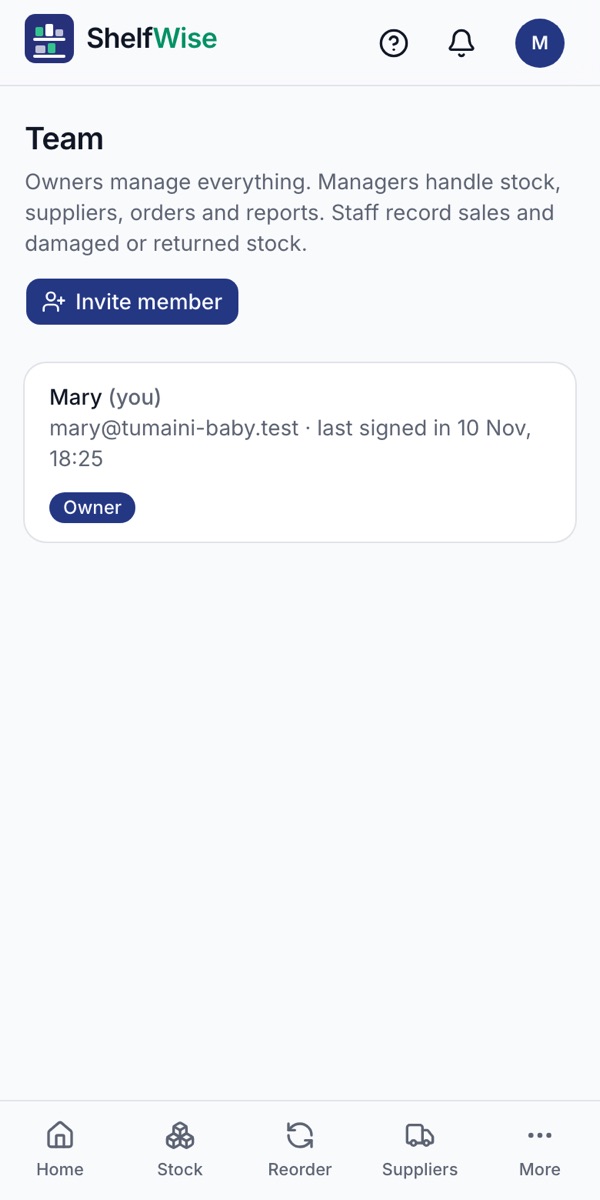
Where to find it: More → Team → Invite member
How to do it
- 1Open Team and tap Invite member.
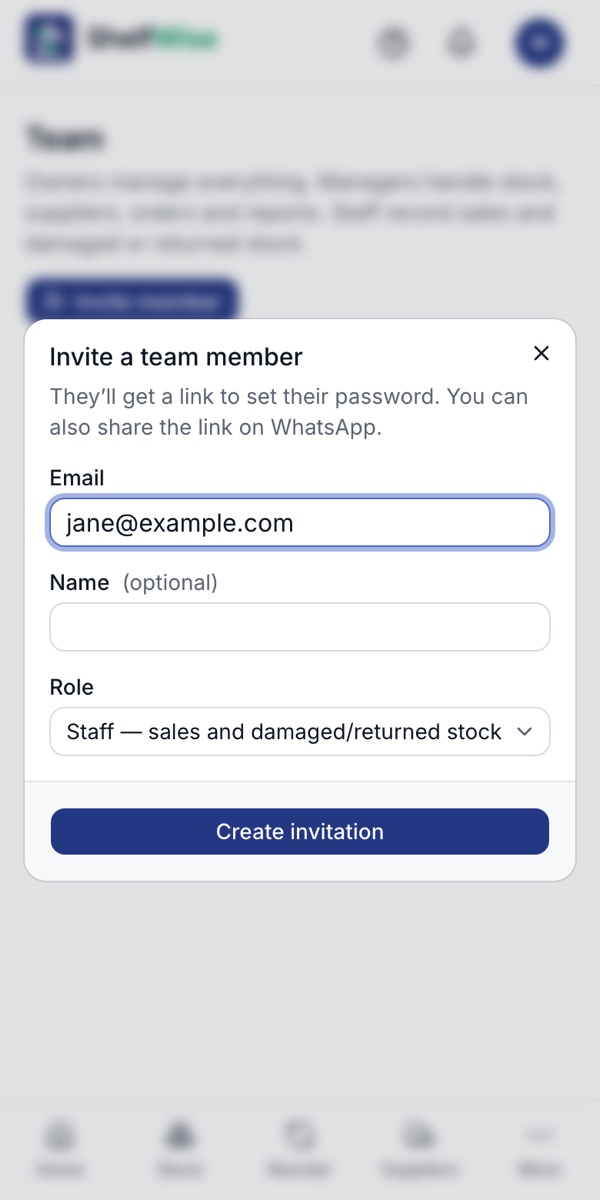
- 2Enter the person's email and, if you like, their name.
- 3Choose a role. Managers handle stock, suppliers, orders and reports. Staff record sales and damaged or returned stock.
- 4Tap Create invitation. They get a link to set their password, and you can also send the link on WhatsApp.
- 5As the owner you see everything, and you can change a role or turn off someone's access at any time.
Good to know: People who only serve customers don't need a login. Add them under Staff & commission and pick who served each customer at the till.
Rather we set it up with you?
We visit your business, add your products, connect M-Pesa and switch on your online shop and riders. KSh 3,000, once.
Ask for assisted setup