Step 5 of 14
Add your branches
Each branch keeps its own stock, sales and orders.
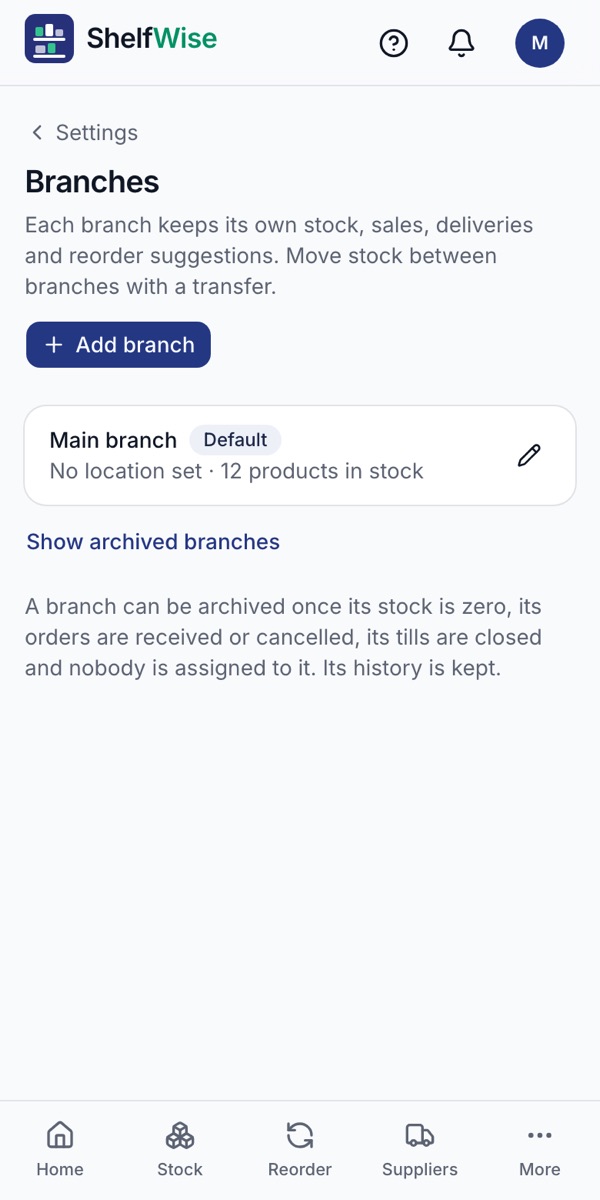
Where to find it: Settings → Branches → Add branch
How to do it
- 1Open Settings, then Branches. Your first branch is already there.
- 2Tap Add branch and give it a name and location.
- 3Each branch keeps its own stock, sales, deliveries and reorder suggestions.
- 4Move stock between branches with a transfer, so the numbers stay right in both.
Good to know: Starter includes 1 branch, Business 3 and Pro 10.
Rather we set it up with you?
We visit your business, add your products, connect M-Pesa and switch on your online shop and riders. KSh 3,000, once.
Ask for assisted setup