Step 6 of 14
Set it up for your kind of business
Shops, restaurants and bars, salons and pharmacies each get their own setup.
Where to find it: Settings → Business type
How to do it
- 1Shops, boutiques, cosmetics and hardware: a fast till with barcode scanning, stock alerts and supplier orders.
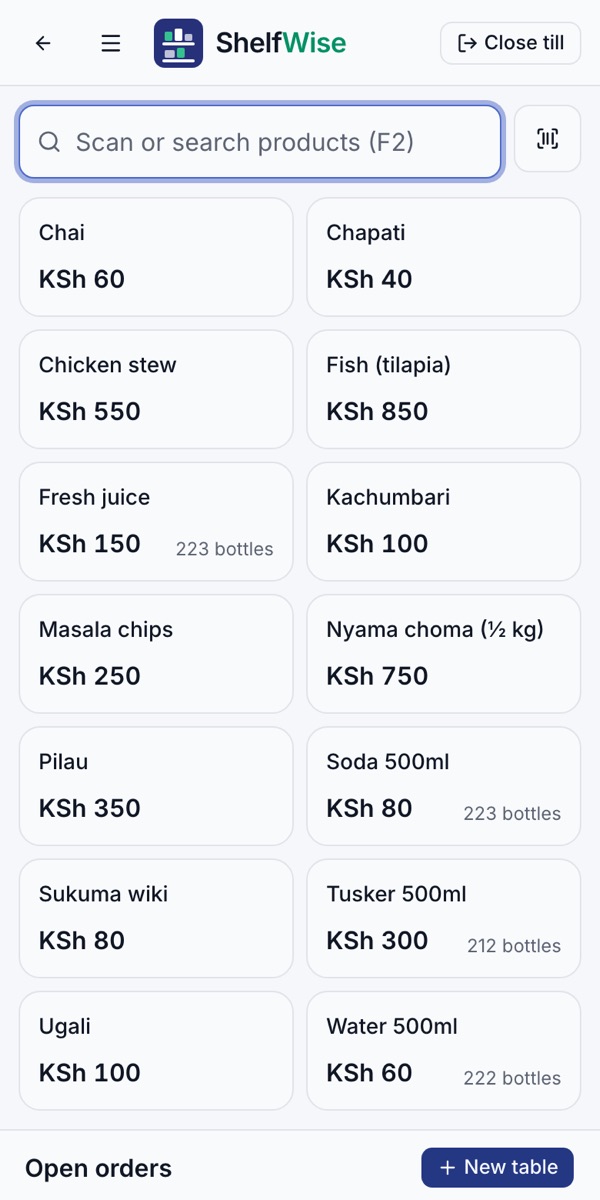
- 2Restaurants and bars: a menu, open tables and tabs, and kitchen tickets.
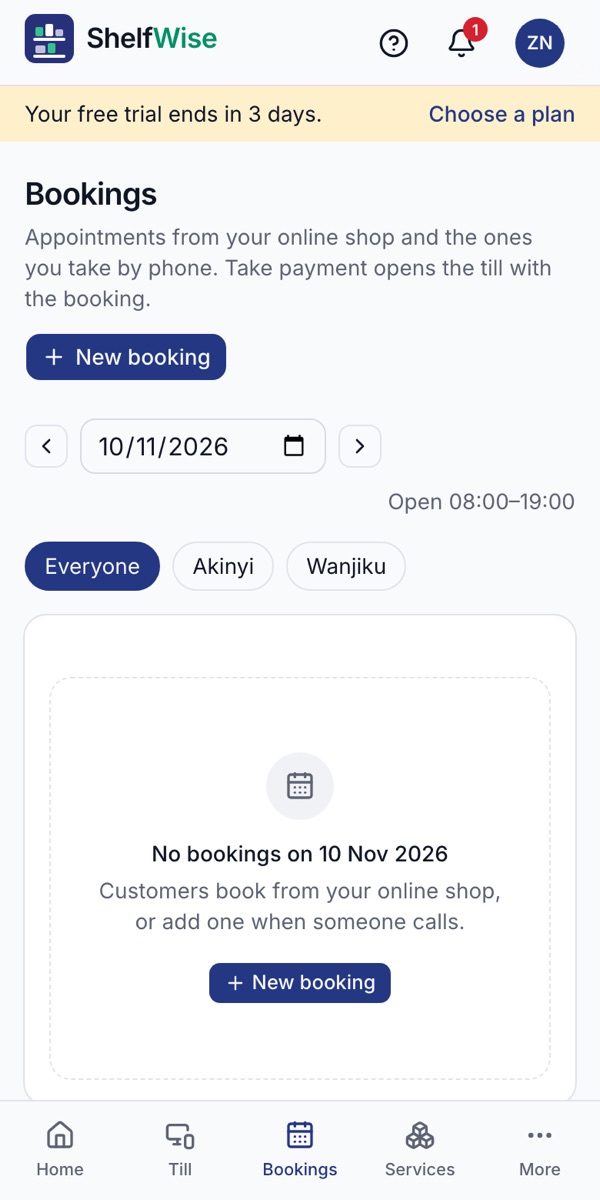
- 3Salons, barbers and spas: your services, bookings with an M-Pesa deposit, and each stylist's commission.
- 4Pharmacies: expiry dates and alerts on top of stock control.
- 5To change it, open Settings and choose another business type. The till, the menu and your reports change to match.
Good to know: Tables, bookings and the online shop are part of the Business and Pro plans, and you can try them all during the free trial.
See what's included for each kind of business →
Rather we set it up with you?
We visit your business, add your products, connect M-Pesa and switch on your online shop and riders. KSh 3,000, once.
Ask for assisted setup