Step 7 of 14
Sell at the till
Scan or search, charge, and the stock updates by itself.
Where to find it: Point of Sale (on a phone: More → Point of Sale)
How to do it
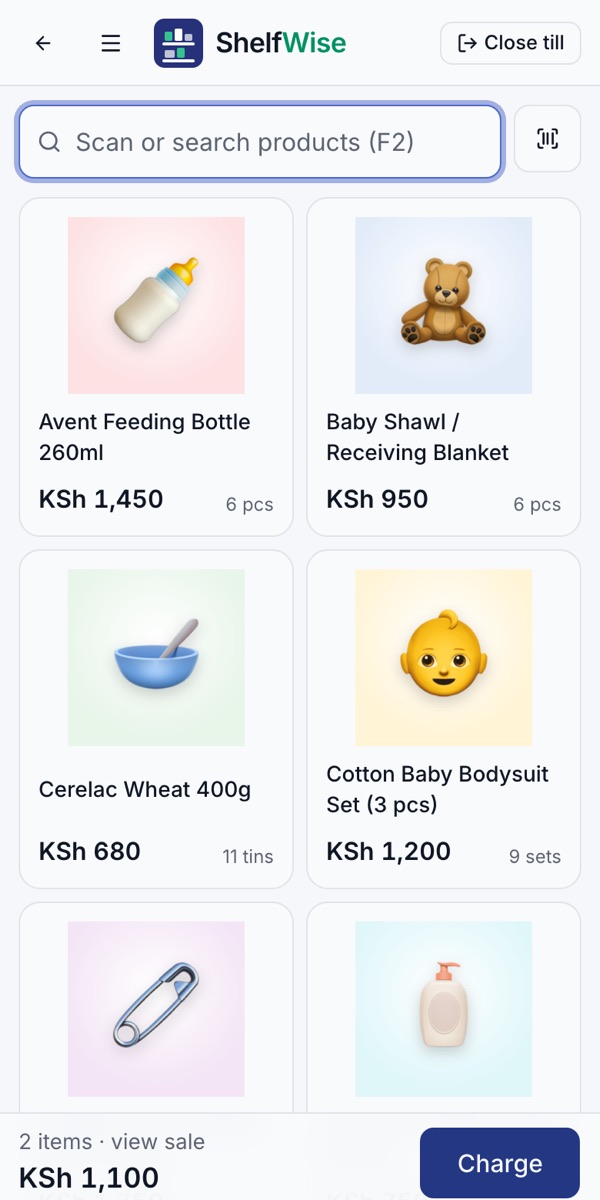
- 1Open the till and tap Start selling. Enter the cash in the drawer if you keep a float.
- 2Scan a barcode, tap a product or search for it. Tap again to add more.
- 3Tap Charge and choose how the customer pays: cash, M-Pesa or card.
- 4For cash, enter what the customer gave you and ShelfWise shows the change.
- 5The sale is recorded and the stock goes down at once. It keeps working without internet and catches up when you're back online.
Rather we set it up with you?
We visit your business, add your products, connect M-Pesa and switch on your online shop and riders. KSh 3,000, once.
Ask for assisted setup