Step 8 of 14
Track your sales and profit
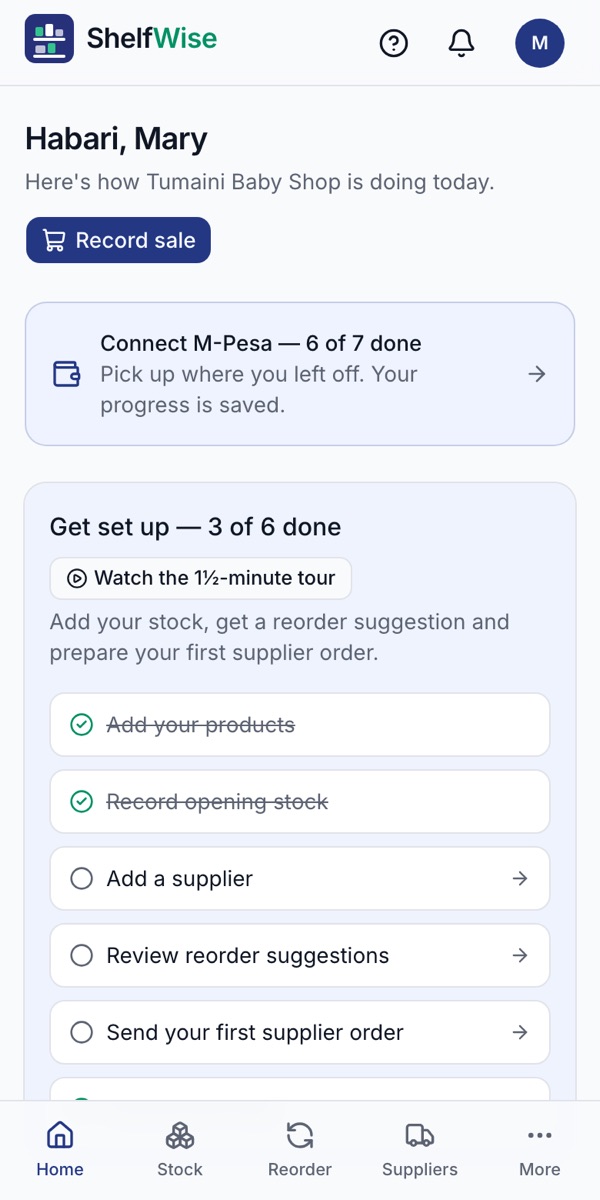
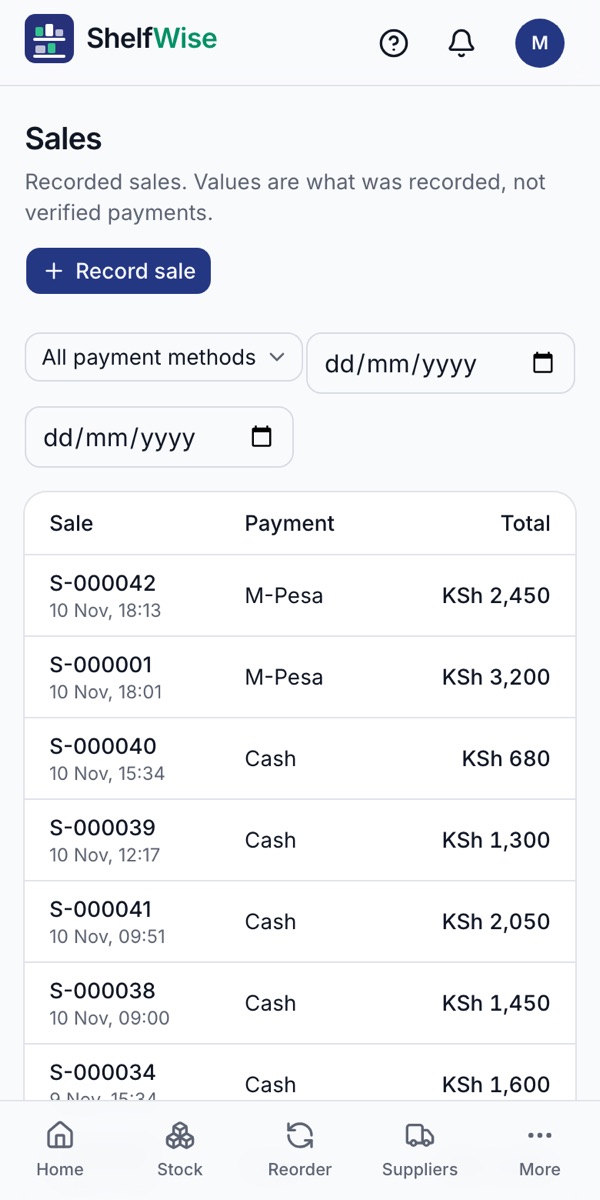
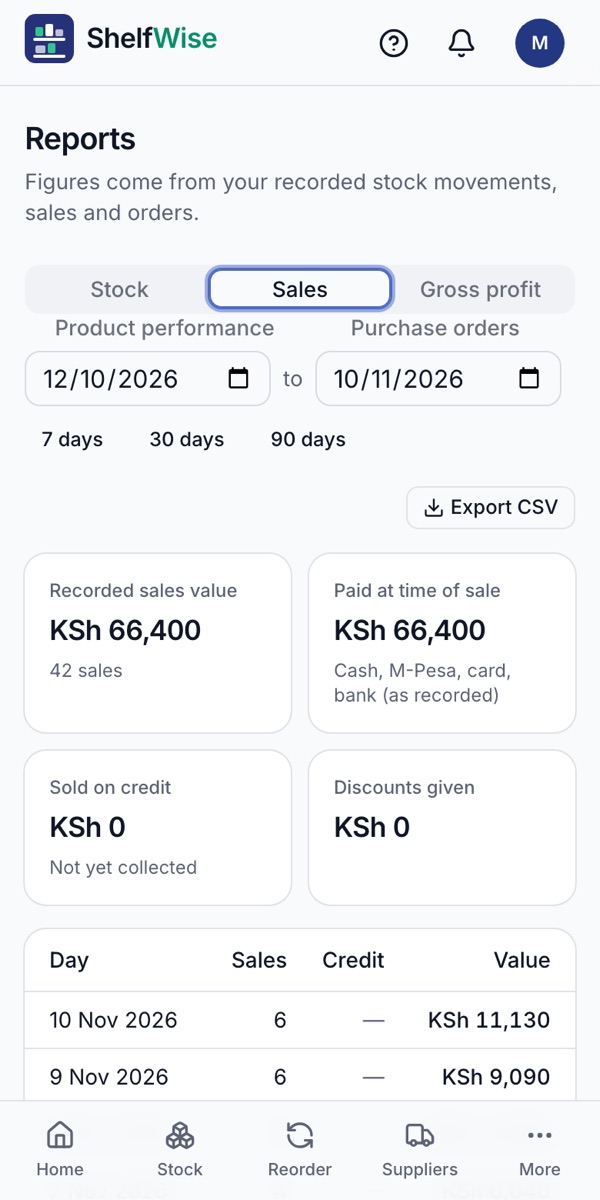
Today's sales on the home screen, every sale listed, and reports by day.
Where to find it: Home, Sales and Reports
How to do it
- 1Home shows today's sales, what is running low and what to do next.
- 2Sales lists every sale with its time, payment method and amount. Tap one to see the items, or void a mistake.
- 3Reports → Sales shows totals for each day for the last 7, 30 or 90 days.
- 4Reports → Gross profit uses your cost prices to show what you actually made.
- 5Tap Export CSV to send any report to your accountant.
Rather we set it up with you?
We visit your business, add your products, connect M-Pesa and switch on your online shop and riders. KSh 3,000, once.
Ask for assisted setup