Step 10 of 14
Open your online shop
Your own shop link with your products, delivery areas and M-Pesa checkout.
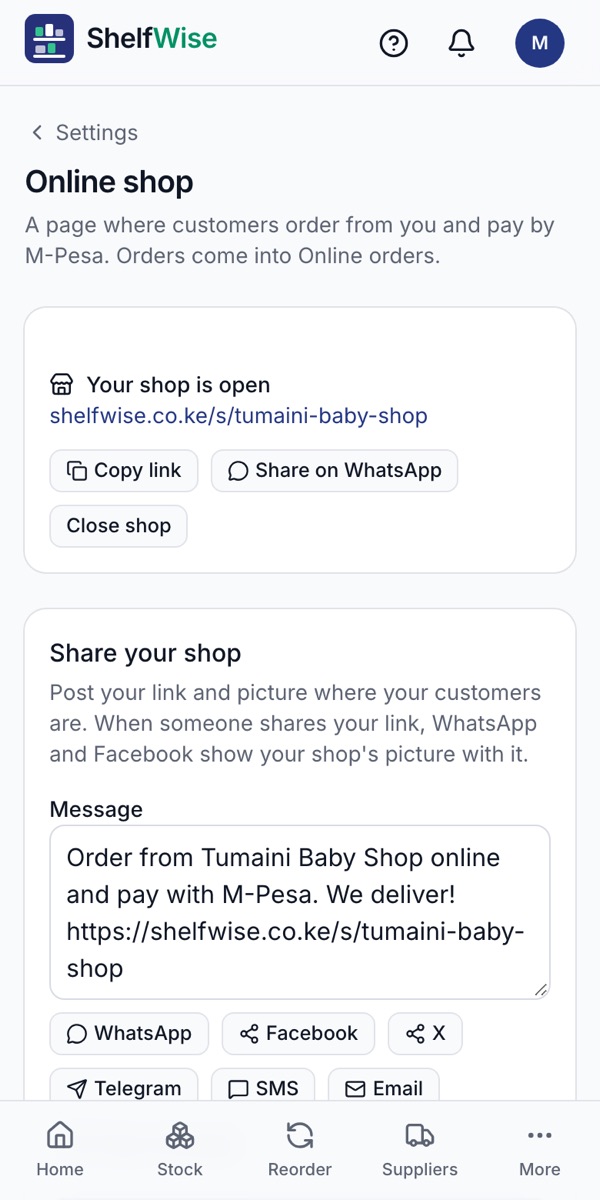
Where to find it: Settings → Online shop
How to do it
- 1Open Settings, then Online shop, and turn the shop on.
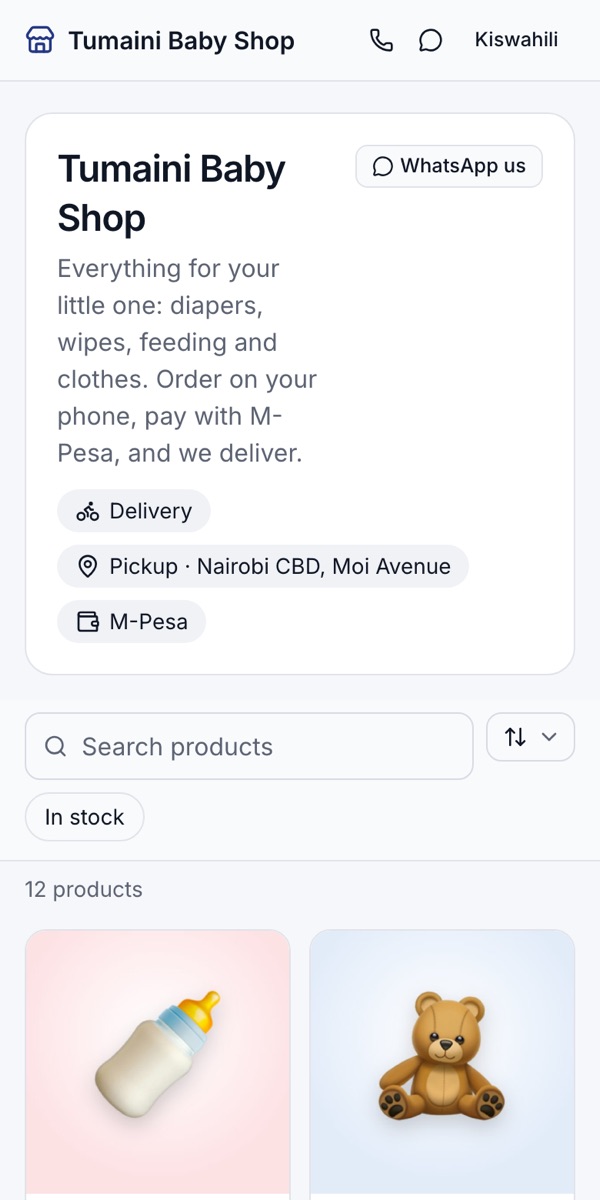
- 2Choose your link, for example shelfwise.co.ke/s/your-shop, and add a phone number and a short description.
- 3Add the areas you deliver to and the fee for each. Turn on pickup if customers can collect.
- 4Your products show with their photos and prices, and the stock stays in step with the till.
- 5Tap Share on WhatsApp, or copy the link for Instagram, Facebook and TikTok.
Rather we set it up with you?
We visit your business, add your products, connect M-Pesa and switch on your online shop and riders. KSh 3,000, once.
Ask for assisted setup