Step 14 of 14
Send it out and track the rider
Give the order to a rider, follow them on a map, and the sale records itself.
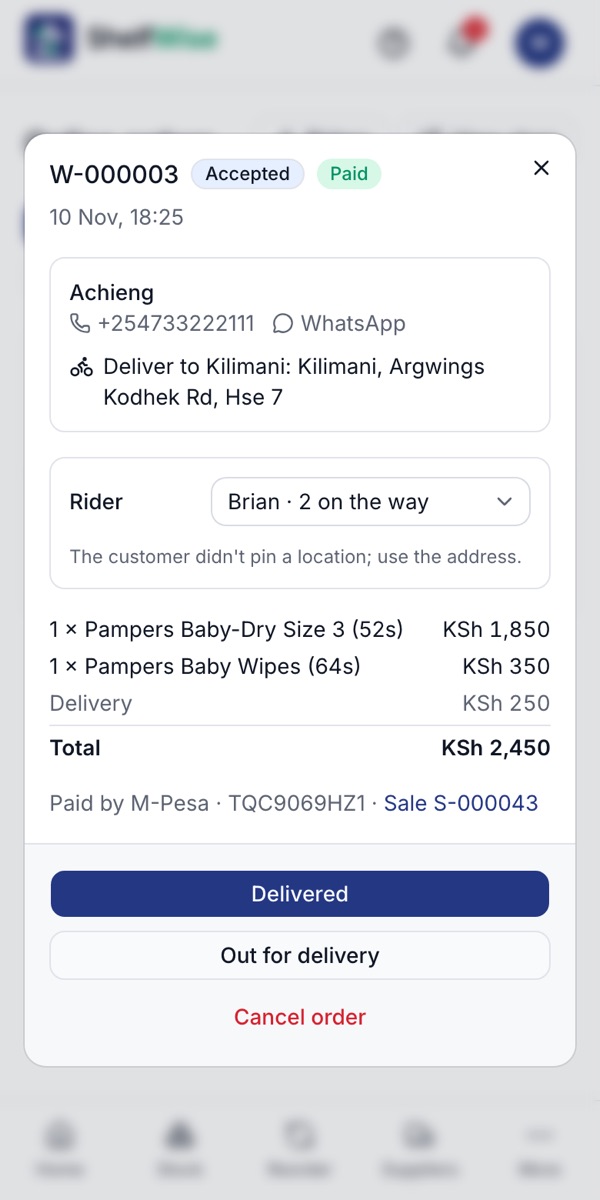
Where to find it: Online orders → the order
How to do it
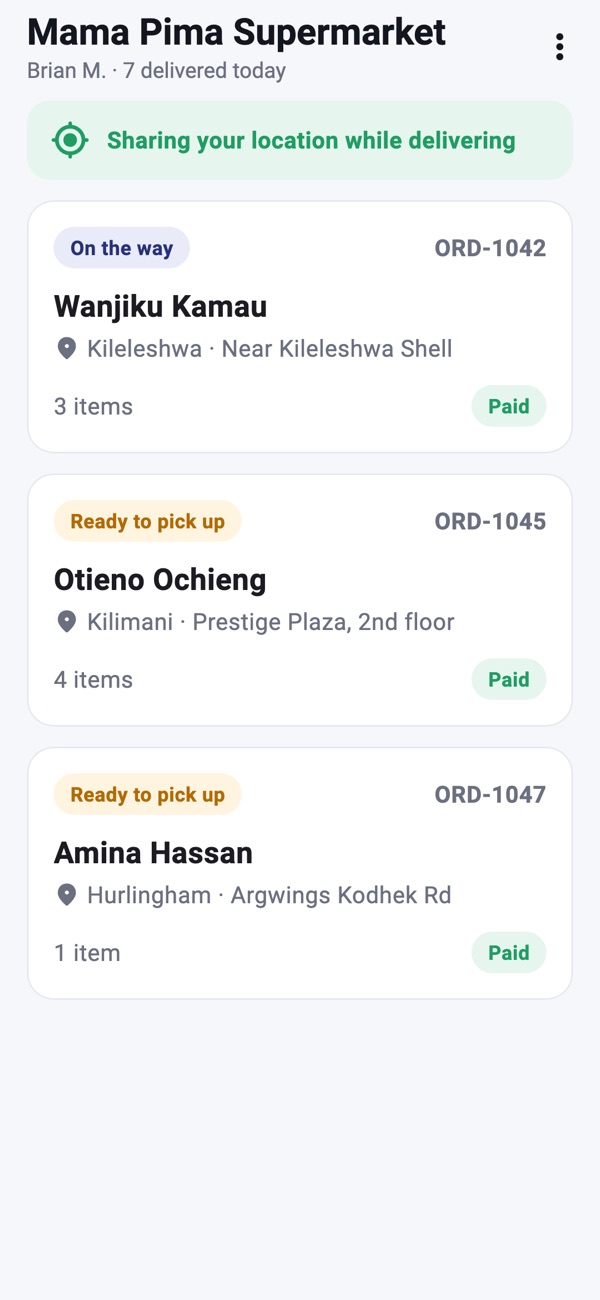
- 1Open the paid order and choose a rider in the Rider box. The order is accepted and appears in the rider's app.
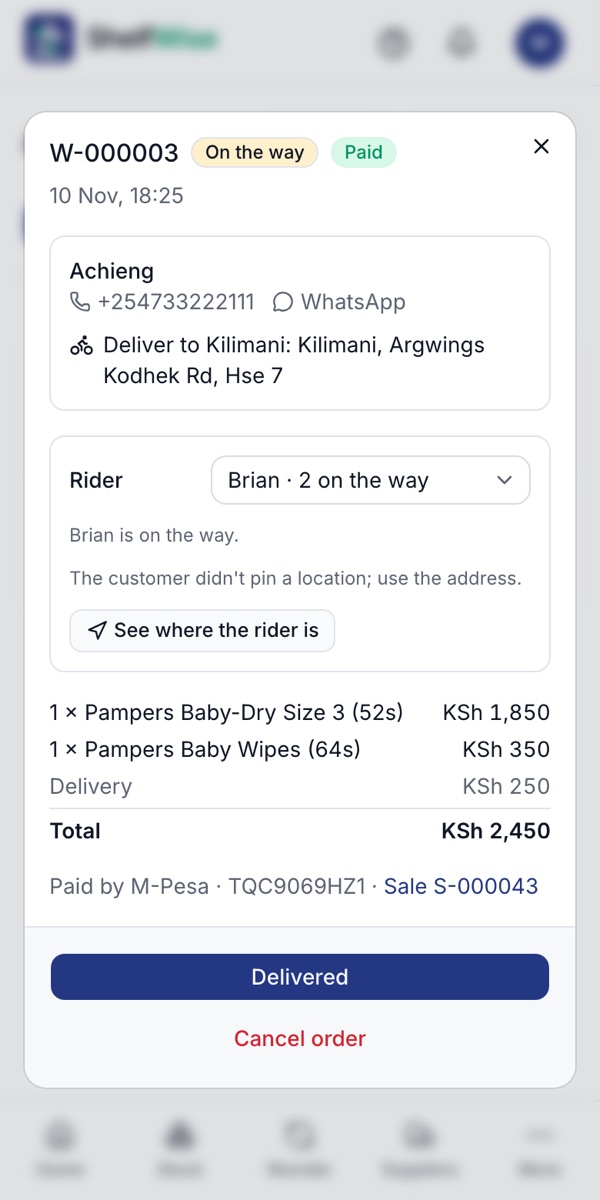
- 2The rider taps Picked up, on my way. The order shows On the way.
- 3You tap See where the rider is to follow them on a map. Your customer sees the rider coming on their order page.
- 4At the door the rider taps Delivered. The customer has already paid by M-Pesa, so there's no cash to handle.
- 5The order is completed, and the sale, the stock and the delivery fee are recorded by themselves.
Rather we set it up with you?
We visit your business, add your products, connect M-Pesa and switch on your online shop and riders. KSh 3,000, once.
Ask for assisted setup